Bug #4751
closedDashboard Lead Funnel – Imported New Lead Status Data Not Updating
0%
Description
Precondition:
A new Lead Status is available in the import file but is not already configured in the CRM.
Steps to Reproduce:
https://dev.flowzo.ai/dashboard
Prepare a lead import file containing a new Lead Status that does not already exist in the CRM.
Import the lead data into the CRM.
Verify that the leads are imported successfully with the new Lead Status.
Navigate to the Default Dashboard and check the Lead Funnel Chart.
Navigate to the Custom Dashboard and check the Lead Funnel Chart.
Actual Result:
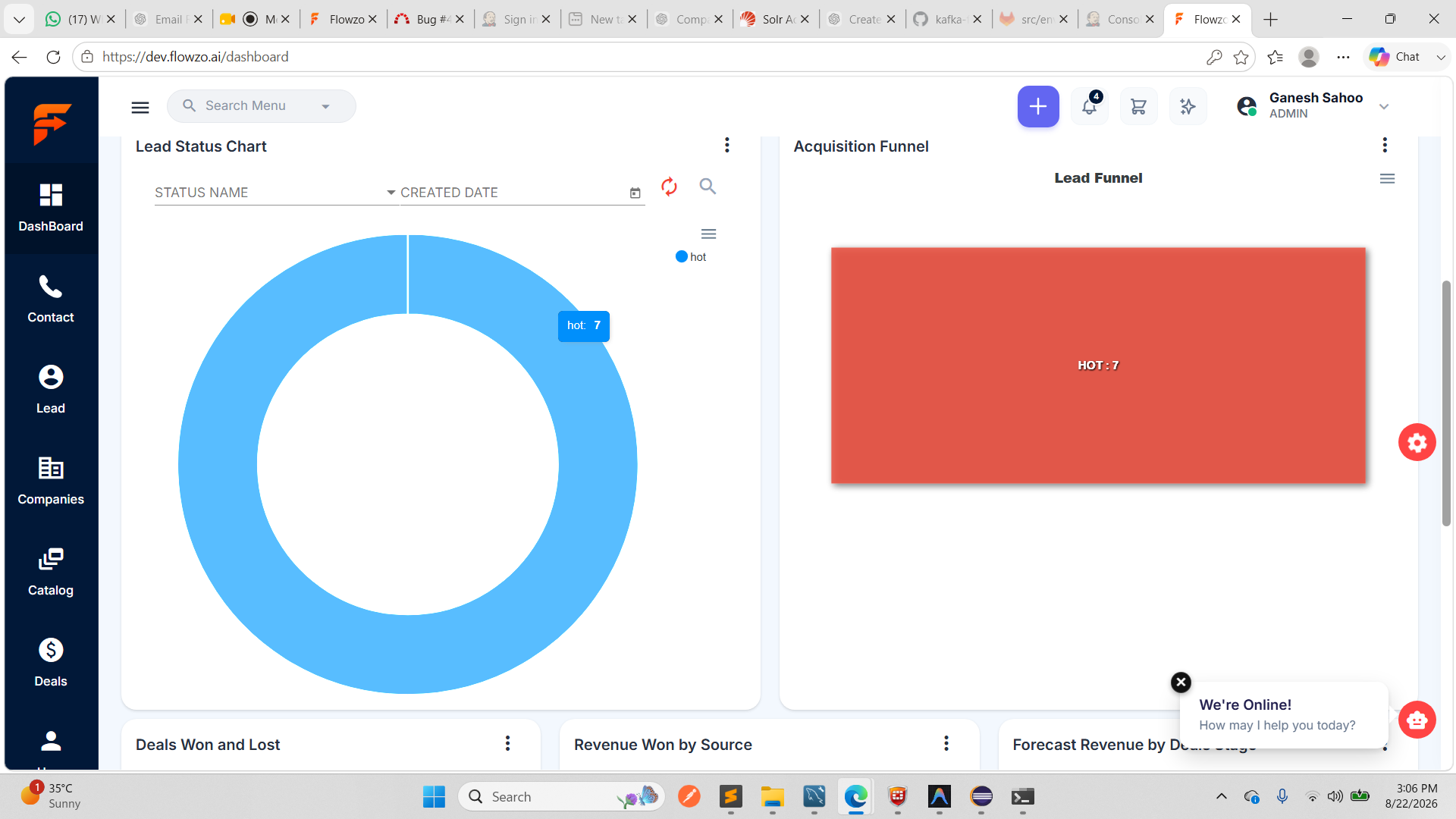
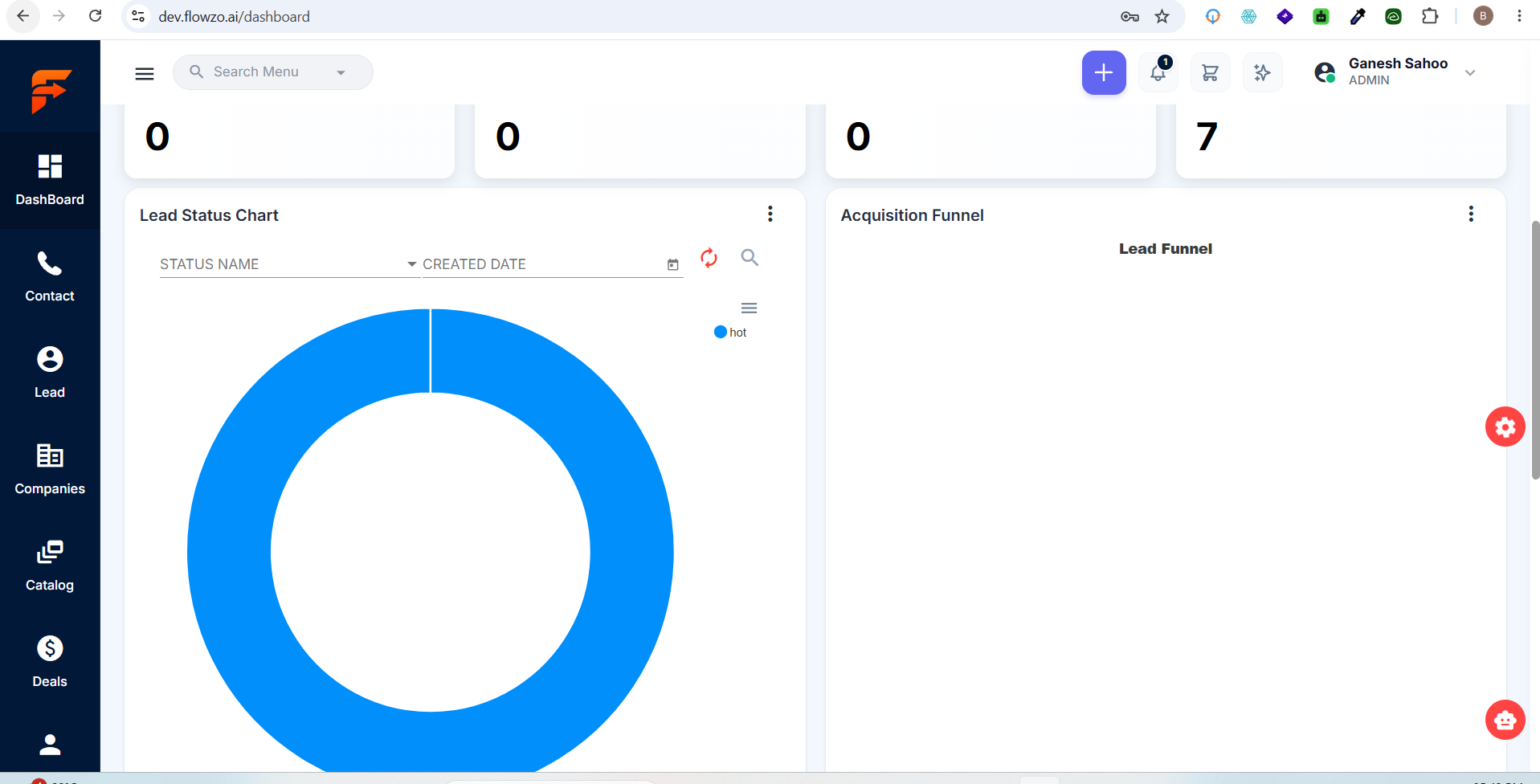
The imported leads with the new Lead Status are not reflected in the Lead Funnel Chart on either the Default Dashboard or Custom Dashboard.
Expected Result:
After importing leads with a new Lead Status, the Lead Funnel Chart should automatically update and display the corresponding Lead Status and its lead count in both the Default Dashboard and Custom Dashboard.
gsahoo1985@gmail.com
Welcome@123
Files