Bug #4727
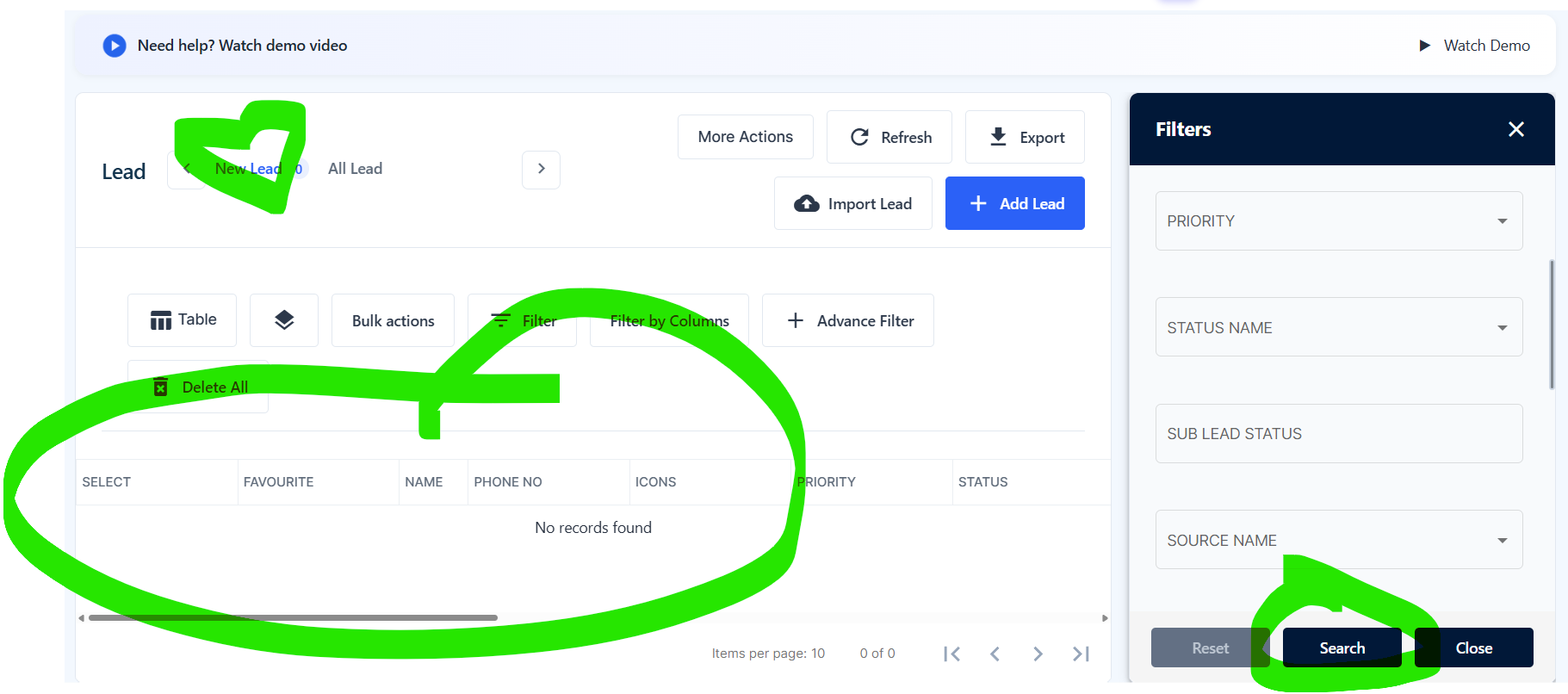
openWebsite, Search button remains enabled after clearing the selected filter and displays all leads in New lead tab
0%
Description
Module: Leads → New Lead → Filter
Short Description:
Search button remains enabled after clearing the filter and displays all leads when clicked.
Steps to Reproduce:
Login to the crm.
Navigate to the Leads module.
Open the New Lead tab.
Open the Filter option.
Select any option in a filter field.
Verify that the Search button is enabled.
Unselect/remove the selected option so that the filter is empty.
Check the Search button.
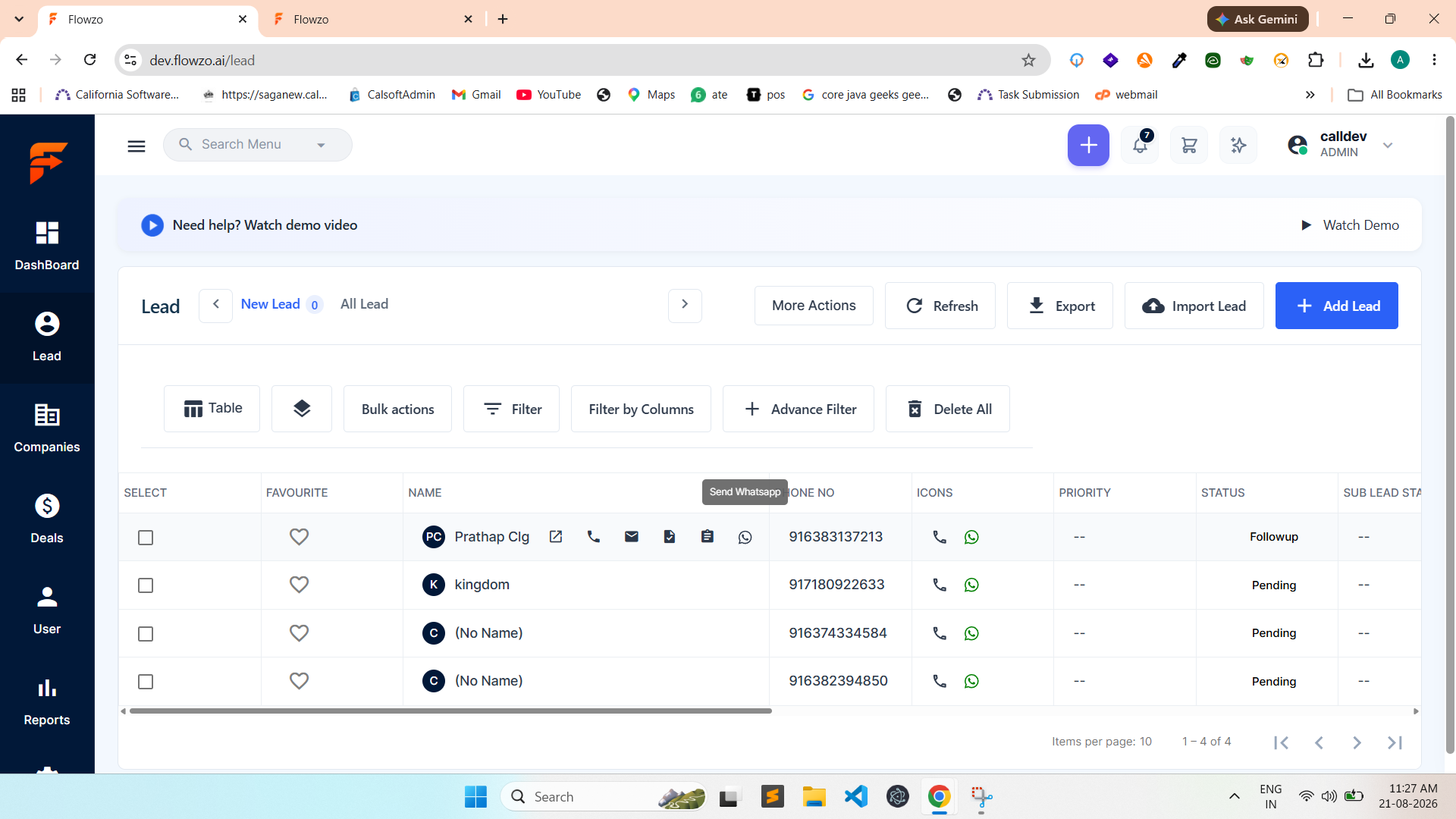
After clearing the selected filter, the Search button remains enabled. When clicking Search with an empty filter, all leads are displayed in the New Lead tab.
Expected Result:
When all filter selections are cleared and no filter is applied, the Search button should be disabled. Clicking Search with an empty filter should not reload or change the New Lead list.
Files