Actions
Bug #4396
open
AK
DD
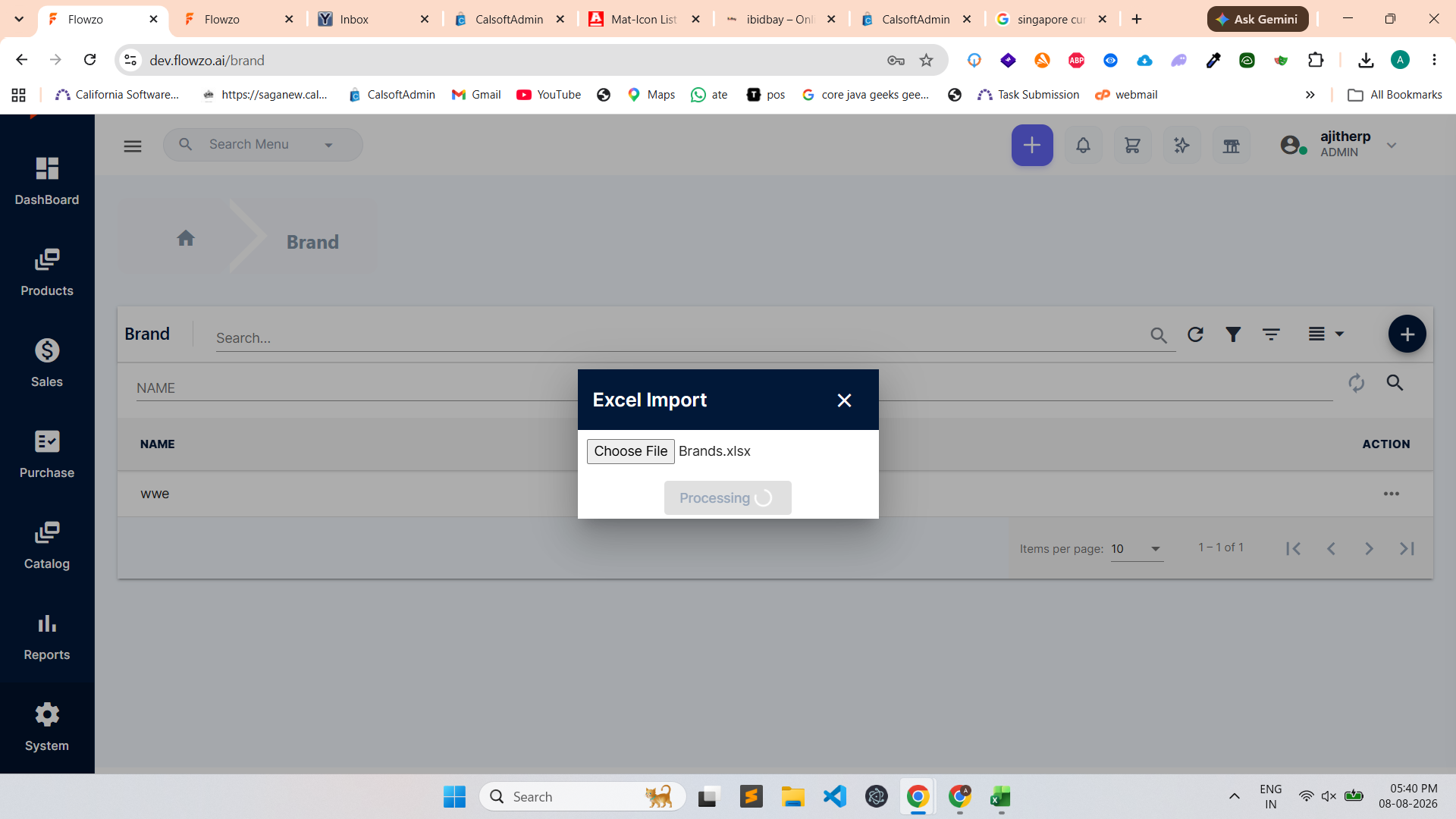
Excel Import is not working in the Brand module.
Bug #4396:
Excel Import is not working in the Brand module.
Start date:
Due date:
% Done:
0%
Estimated time:
Description
Steps to Reproduce:
Navigate to the Brand module.
Click on the Excel Import option.
Select a valid Excel file containing brand details.
Upload the file.
Observe the response.
The Excel Import functionality is not working, and the brand details are not imported.
Files
Actions