Actions
Bug #3710
closed
PS
SR
HalaFresh App - Invoice Download Not Working
Bug #3710:
HalaFresh App - Invoice Download Not Working
Start date:
Due date:
% Done:
0%
Estimated time:
Description
Open the HalaFresh app.
Log in with a valid user account.
Navigate to My Orders.
Open any completed order.
Click the Download Invoice button.
Observe the behavior.
Expected Result:
Clicking the Download Invoice button should download or open the invoice PDF successfully.
Actual Result:
Clicking the Download Invoice button does not download the invoice. The feature is not working.
Files
SR Updated by satheesh r 1 day ago
- Status changed from New to Resolved
PS Updated by prathap S about 18 hours ago
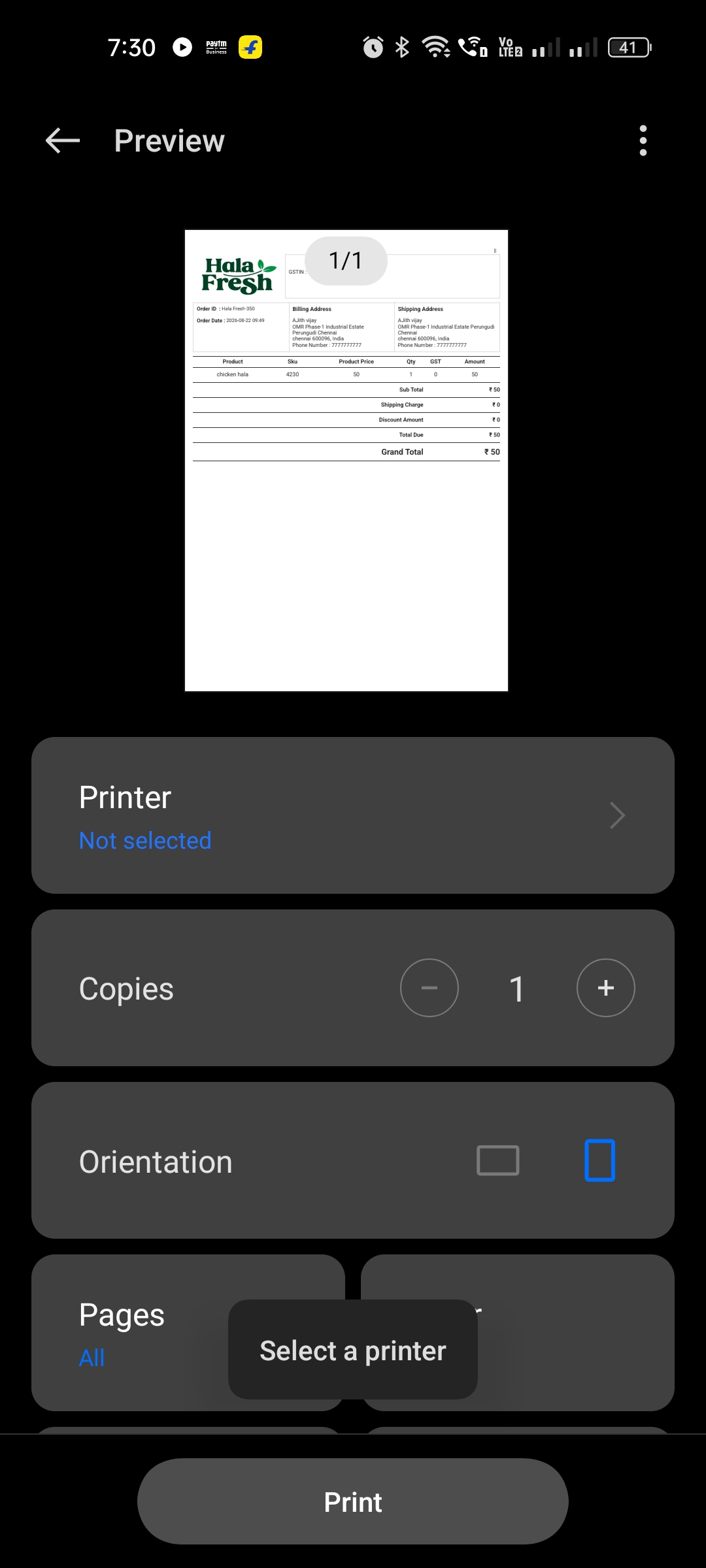
- File WhatsApp Image 2026-08-22 at 7.30.24 PM.jpeg WhatsApp Image 2026-08-22 at 7.30.24 PM.jpeg added
- Status changed from Resolved to Closed
Actions