Bug #4781
openManual Call Popup and Follow-Up Popup Not Displayed in AWS Calling App
0%
Description
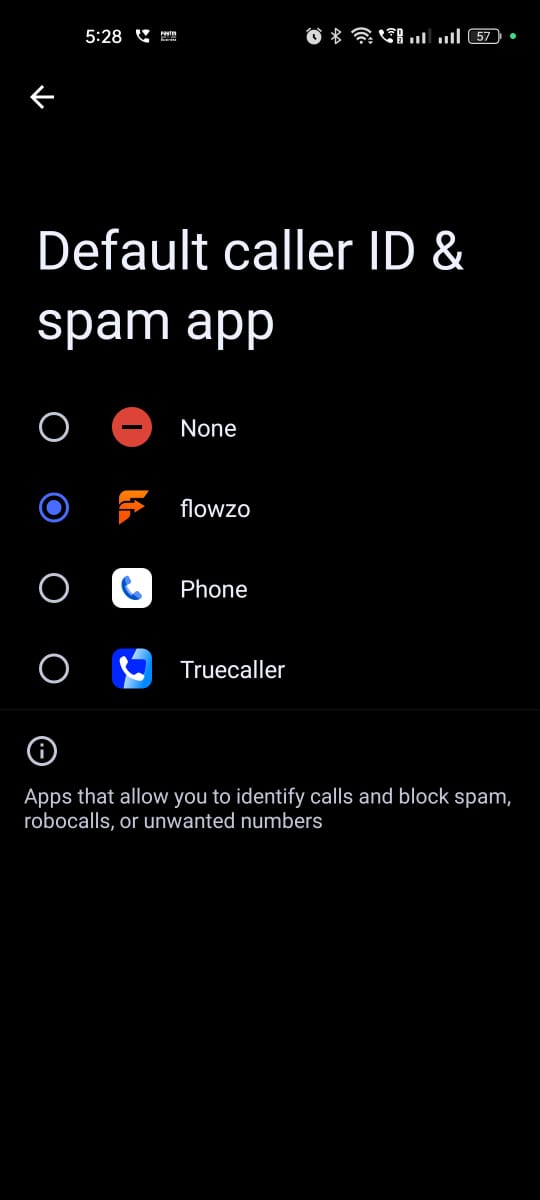
Open the AWS Calling App and log in with a valid user account.
Make or receive a call.
End the call.
Observe whether the Manual Call Popup is displayed.
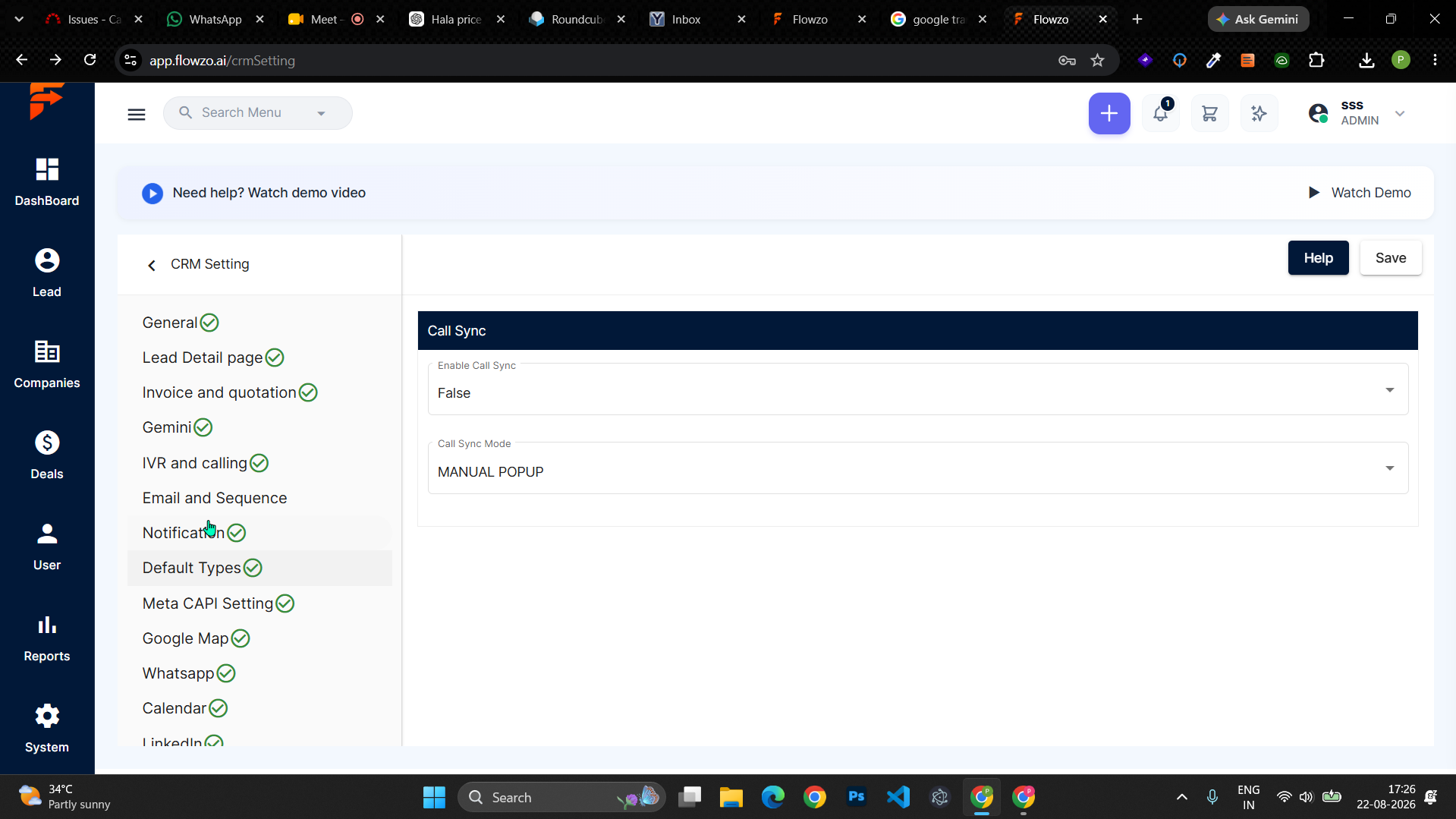
Check whether the call is synced to the Calling App.
Make or receive another call.
Observe whether the Flowzo Calling Follow-Up Popup is displayed.
Expected Result:
After the call ends, the Manual Call Popup should be displayed.
The call should be synced successfully to the Calling App.
When a call is received, the Flowzo Calling Follow-Up Popup should be displayed correctly.
Actual Result:
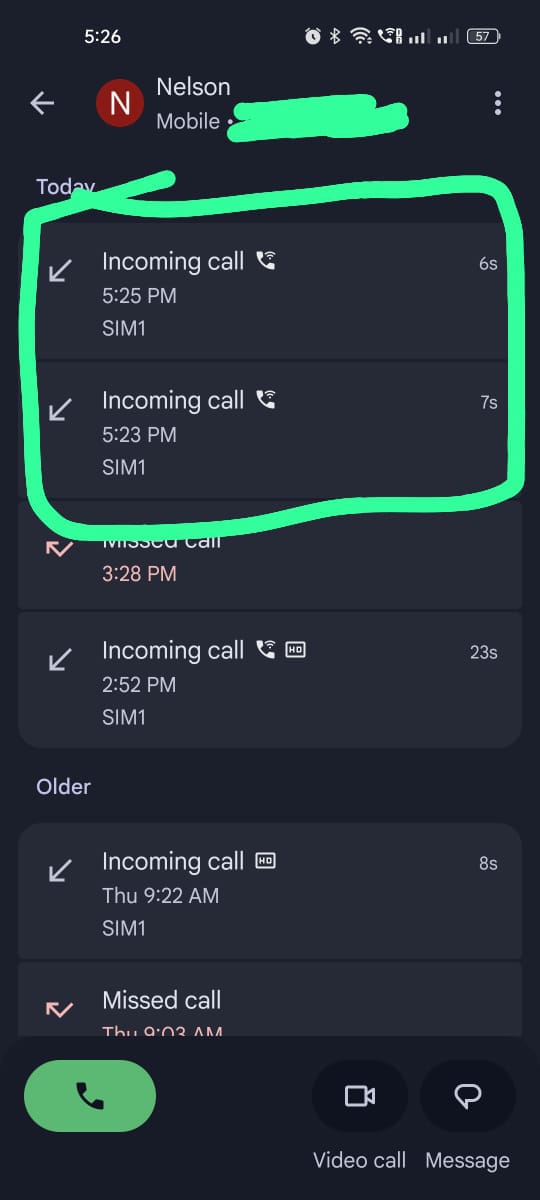
The Manual Call Popup is not displayed after the call ends.
The call is not synced to the Calling App.
When a call is received, the Flowzo Calling Follow-Up Popup is also not displayed.
Files
No data to display