Bug #4672
closedLead Product Report – Pagination Displays 1/1 When No Records Are Found (APK)
0%
Description
Short Description:
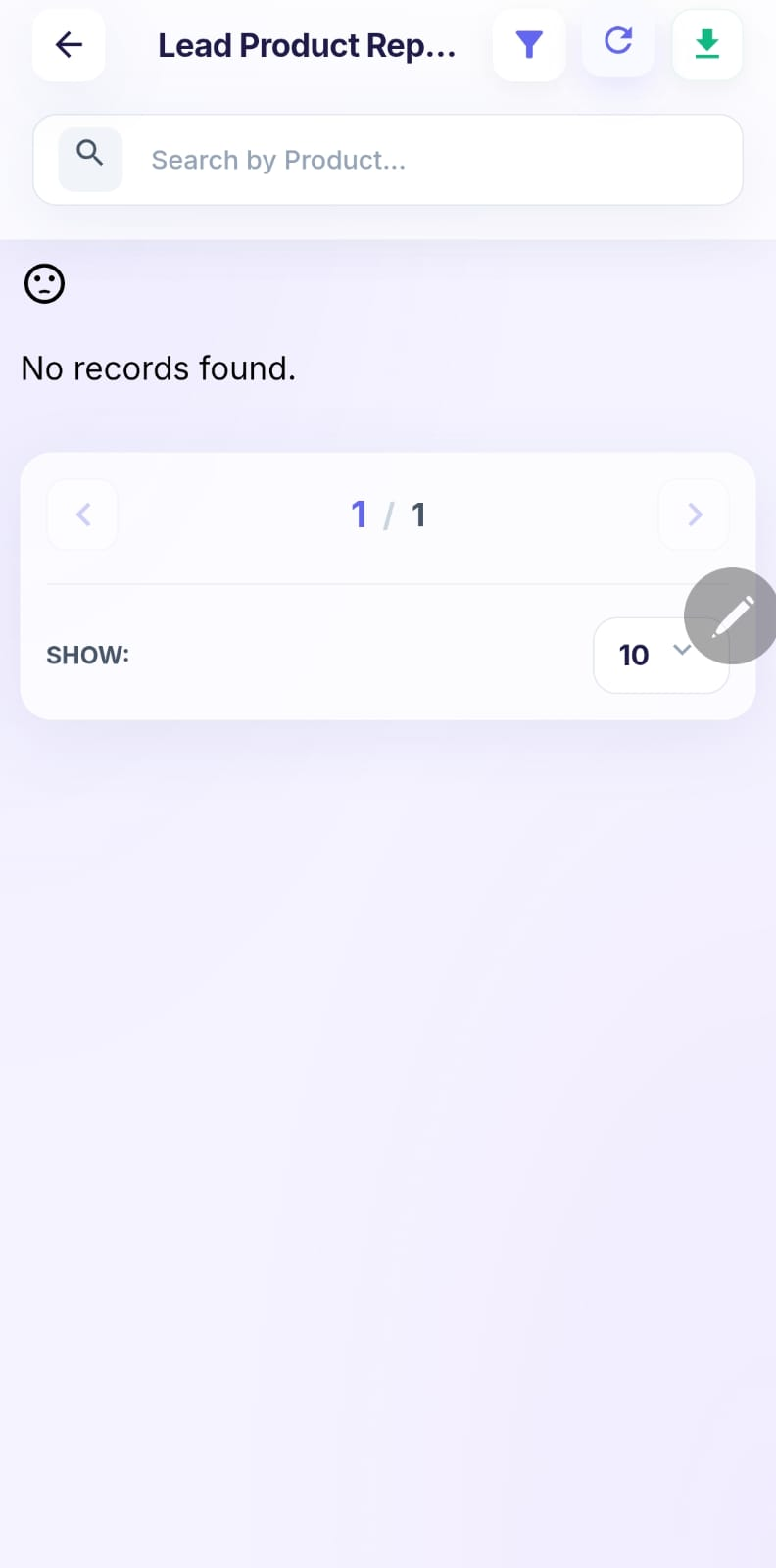
In Reports → Lead Product Report, the report displays “No records found”, but the pagination still shows 1 / 1, indicating an available page even though there are no records.
Steps to Reproduce:
Login to the application using the admin credentials.
Navigate to Reports → Lead Product Report.
Verify the report data.
Observe the message displayed when no records are available.
Check the pagination section.
Actual Result:
The report displays “No records found”, but the pagination still shows 1 / 1, indicating one page is available despite having no records.
Expected Result:
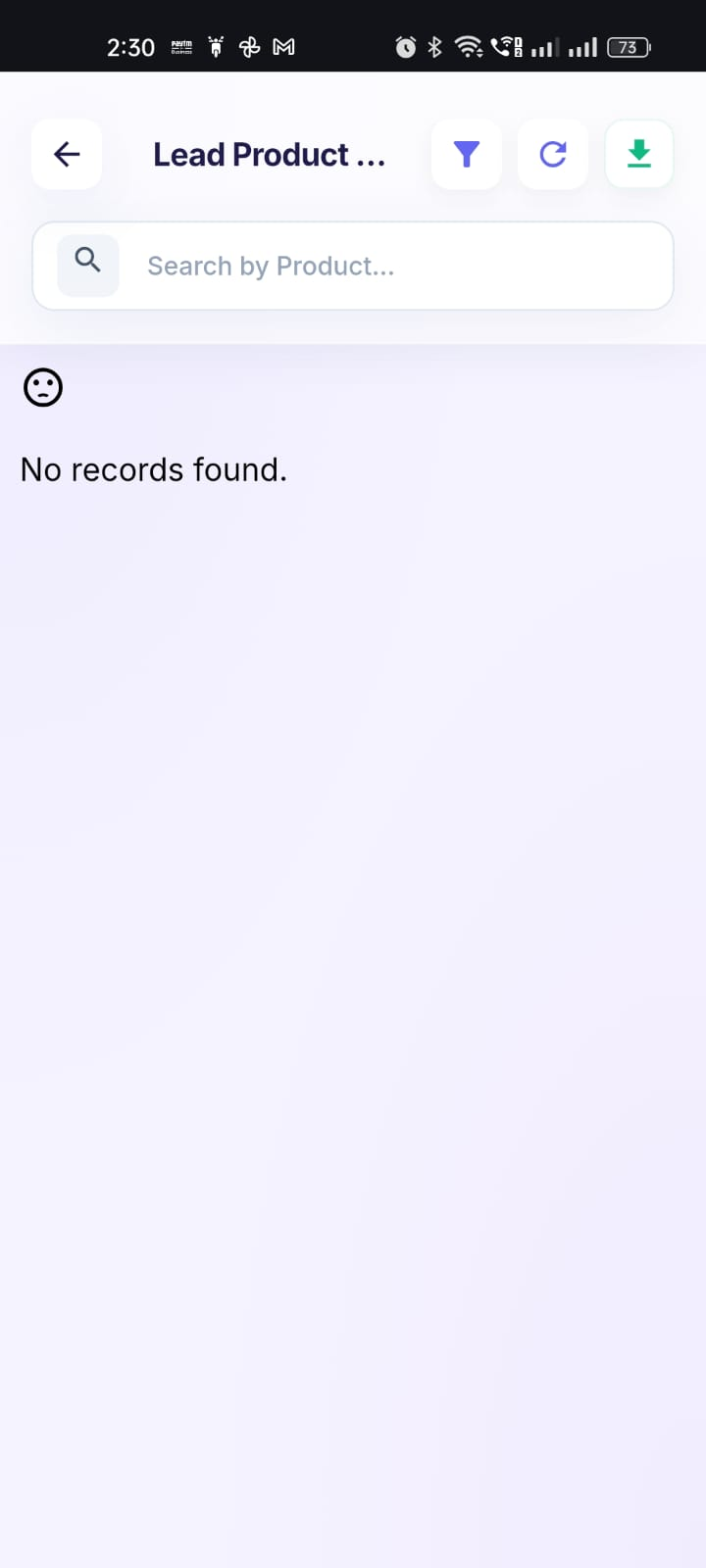
When no records are available, the report should display “No records found” and the pagination should not display an available page such as 1 / 1.
Admin User:admin@flowzo.ai
Password:Admin@123
Company Name:cai
Files
PP Updated by parkavan p 2 days ago
- Assignee changed from parkavan p to nandhini v
NV Updated by nandhini v 2 days ago
- Status changed from New to Resolved
PB Updated by Prabhu B 2 days ago
- File clipboard-202608211557-ku4cg.png clipboard-202608211557-ku4cg.png added
- Status changed from Resolved to Closed